
Cofor.io uses an OAuth flow to login users to a product.
To login a user to a product, send them to the following URL from your product frontend.
https://cofor.io/oauth/login?product={PRODUCT_ID}&redirect_uri={REDIRECT_URI}&state={STATE}
Use the following query parameters to send information to Cofor.io about your product and login flow:
- product: The product ID provided to you when setting up your product on Cofor.io
- redirect_uri: URL to send the user to after login or in case of error
- state: (Optional) Any information to be returned as is to the redirect URI
Set up Redirect URIs on Cofor.io
Make sure you set up a list of acceptable Redirect URIs on the Cofor.io Product Configuration page! If not, Cofor.io will NOT redirect you back to the provided URIs on the flow query parameters.
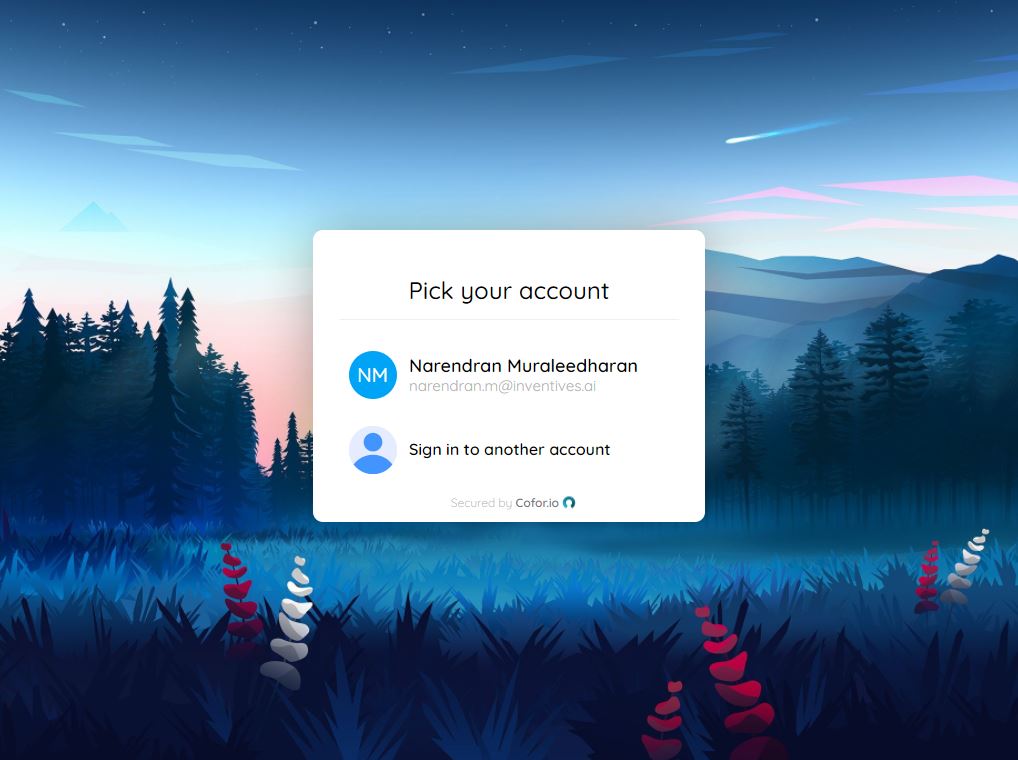
The user will be asked to login using their Cofor.io email address and password. Upon login, a list of teams they are a member of for this product will be shown and the user will be asked to select a team.
After successful login and team selection, a user token (JWT) will be generated and send back to the redirect URI provided as query parameter code. For example, if the redirect URI is https://my.product.com/login, then the user will be sent to:
https://my.product.com/login?code={JWT_TOKEN}
This token must be used to authenticate the user for all future transactions. The product frontend may store the token in local state, local storage, or set Cookies. For all Cofor.io Product API calls, this token must be sent as the Bearer in the Authorization header.
Failed Login
If the user fails to login, Cofor.io will not allow team selection and generation of a token. If there is an error related to setup and not user authentication, the user will be sent to the redirect URI with an error query parameter which holds the error message string.
If you know the membership Id for the team to sign in to, you can pass that information to this URL on the browser for the user to confirm logging into that team. A session token will then be generated and returned to you:
https://cofor.io/oauth/confirm?product={PRODUCT_ID}&membership={MEMBERSHIP_ID}&user={USER_ID}&redirect_uri={REDIRECT_URI}&state={STATE}
Use the following query parameters to send information to Cofor.io about your product and login flow:
- product: The product ID provided to you when setting up your product on Cofor.io
- membership: The owner's team membership ID returned when the team is created
- user: The owner's user ID (this is needed to get cached authentication token)
- redirect_uri: URL to send the user to after login or in case of error
- state: (Optional) Any information to be returned as is to the redirect URI